Do you need to keep receipts for Making Tax Digital for Income Tax?
Yes, you still keep the receipt or a copy. Making Tax Digital for Income Tax needs a digital record of each expense, but HMRC receives only category totals in quarterly updates, so the supporting document stays with you.
Quenta5 min read
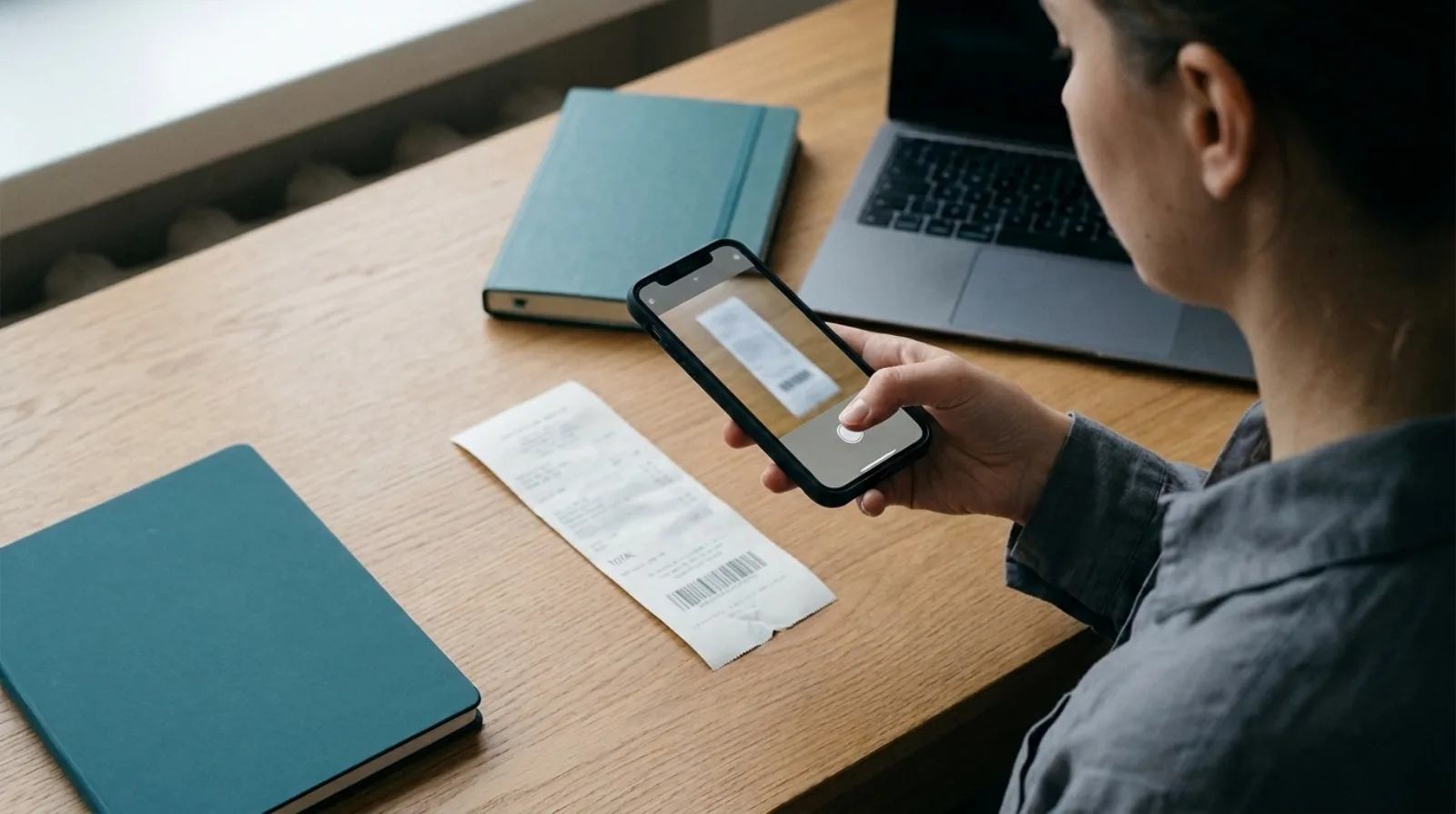
Short answer: yes, you still keep the receipt, or a copy of it. Making Tax Digital for Income Tax asks you to keep a digital record of each expense, with an amount, a date and a category. HMRC's quarterly updates carry only category totals, and HMRC says it "will not receive details of individual receipts or invoices". The receipt stays with you as the evidence behind the figure, for at least five years after the 31 January filing deadline.
This is a plain reading of HMRC's published guidance, not accounting or tax advice. If you are unsure whether the rules apply to you, ask your accountant.
Who has to use Making Tax Digital for Income Tax?
Anyone whose income from self-employment and property was over £50,000 has to use it from 6 April 2026. HMRC's page on using software to send Income Tax updates says this is measured on your total annual income from self-employment and property, before expenses, using your previous year's tax return. HMRC's page gives the £50,000 threshold from 6 April 2026; check HMRC's guidance for any later change. You can also sign up voluntarily.
It covers income from self-employment and property. Check HMRC's pages if you trade through a company, since the thresholds above are about personal income.
What digital record does HMRC want for each expense?
For each expense, HMRC wants the amount, the date it was incurred and a category. HMRC's guide to creating digital records says the categories match Self Assessment. The record has to be created and stored in software that works with Making Tax Digital for Income Tax.
Two more points from that page matter for receipts:
- If you use more than one software product, they must be digitally linked. Once a record has gone into a quarterly update, you must not manually move it to other software.
- You are responsible for checking the records are accurate before each quarterly update.
What does a quarterly update actually send?
A quarterly update sends totals for each income and expense category. HMRC's page on sending quarterly updates says each update covers from 6 April to the end of that update period, and that individual receipts and invoices are not included.
For a standard tax year, the deadlines are:
- 7 August, for 6 April to 5 July.
- 7 November, for 6 April to 5 October.
- 7 February, for 6 April to 5 January.
- 7 May of the following tax year, for 6 April to 5 April.
If your accounting period runs 1 April to 31 March, HMRC says you should use calendar update periods instead. The deadlines are the same. You select this in your software before you send your first update, and you cannot change it for the rest of the tax year.
Can a photograph replace the paper receipt?
HMRC's page on creating digital records says you "still need to keep original records or supporting documents (or copies of them) that you have used to prepare your tax return, such as bank statements and invoices". A copy is therefore allowed. The page does not say what format the copy must take, and it does not mention receipts by name.
So the safe habit is a copy you can read. HMRC has not said what makes a copy acceptable, so keep one you can read in full.
How long do you keep them?
Keep digital records for at least five years after the 31 January submission deadline of the tax year, which matches the Self Assessment rule. For the 2026 to 2027 tax year, the return is due by 31 January 2028, so records stay until at least the end of January 2033. HMRC's guide to how long to keep records gives the same five-year rule, with an example of a 2022 to 2023 return keeping records until the end of January 2029.
If a receipt goes missing before then, read what to do if you lose a receipt.
Where does Quenta fit?
Quenta does one job in this chain. It turns a photograph of a receipt into a completed spend money transaction in Xero, with the original image attached. The amount and date go on the transaction, and the image sits beside them, so the record and its evidence stay together. How it works describes each step, and when Quenta needs an answer before it can post safely, it asks you first.
Quenta does not send anything to HMRC and is not a Making Tax Digital product. HMRC says the software finder lists software that has passed its recognition process, and it endorses none of it. Use the HMRC software finder to check your bookkeeping software, whichever it is.
Quick answers
Do I send my receipts to HMRC each quarter? No. HMRC receives category totals only.
Does this apply to my limited company? HMRC's thresholds are based on income from self-employment and property. Check the HMRC pages above, or ask your accountant.
Is a photo enough? HMRC accepts copies of supporting documents. Make sure the copy is legible and complete.
What does Quenta cost? The free plan covers 10 receipts a month per organisation. Quenta Pro is £6 per user a month, or £60 per user a year, tax included, and is fair-use capped at 350 receipts a month per workspace. See pricing.
Try it today.
Quenta is an independent app from We UC Ltd. Xero is a trademark of Xero Limited. Quenta is not affiliated with or endorsed by Xero.
Photograph it and forget it.